
Download the DispatchExpress account activation guide
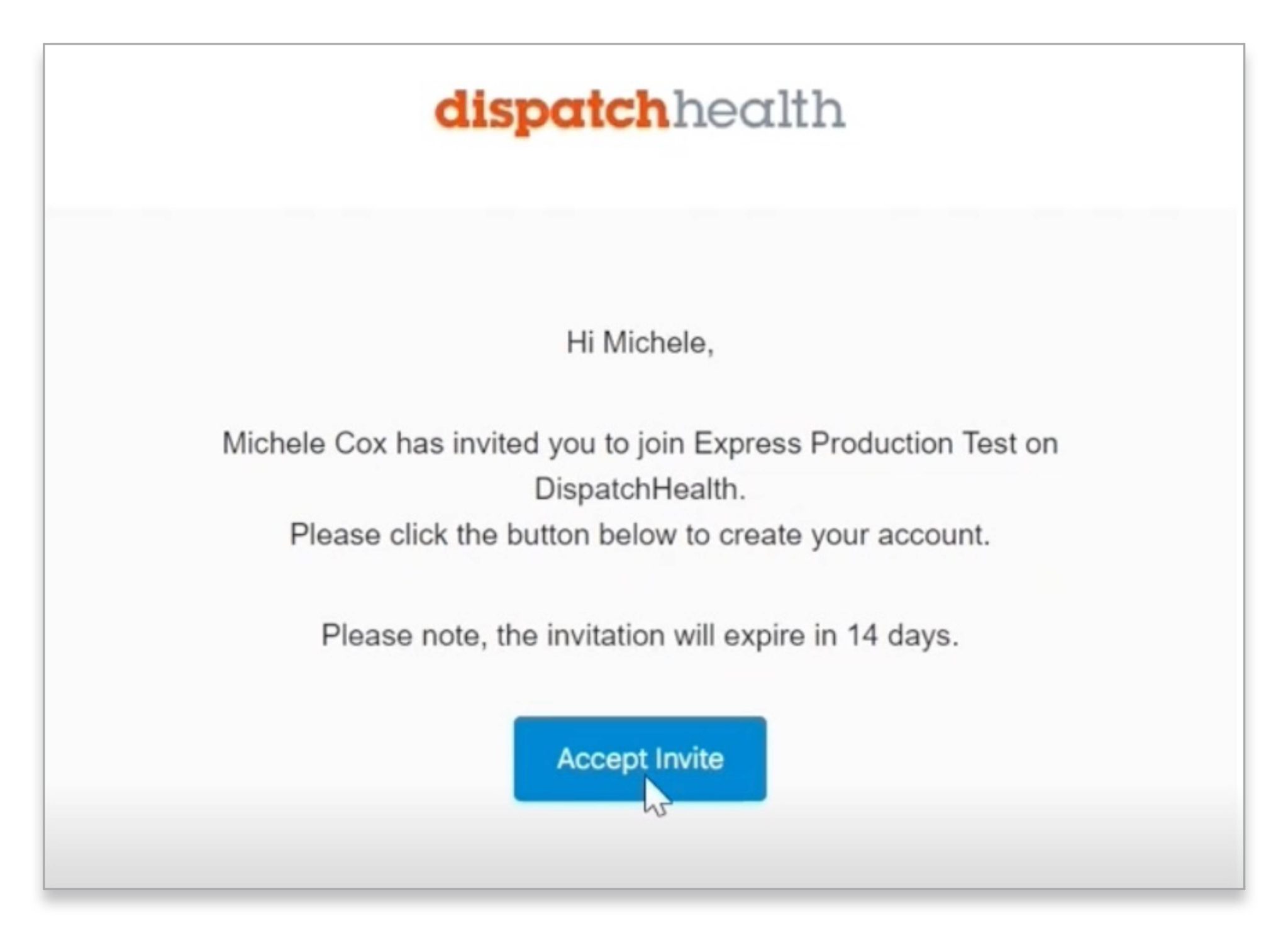
1. Accept invite
Upon receiving your email invite to join DispatchExpress, click ‘Accept Invite’.
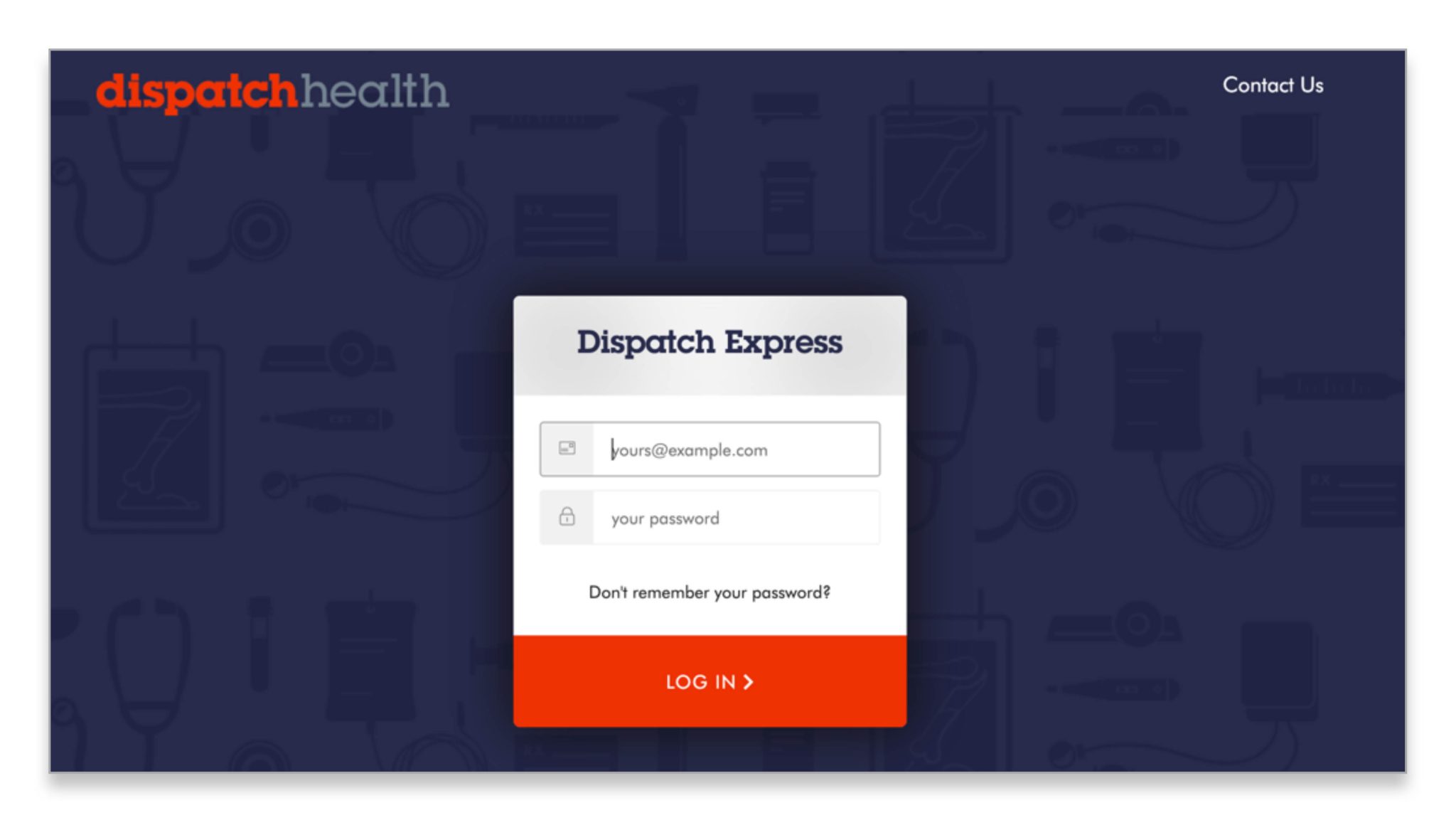
2. Create password
On the welcome screen, create a password and then log in using the email the invite to register was sent to along with the password you just created.
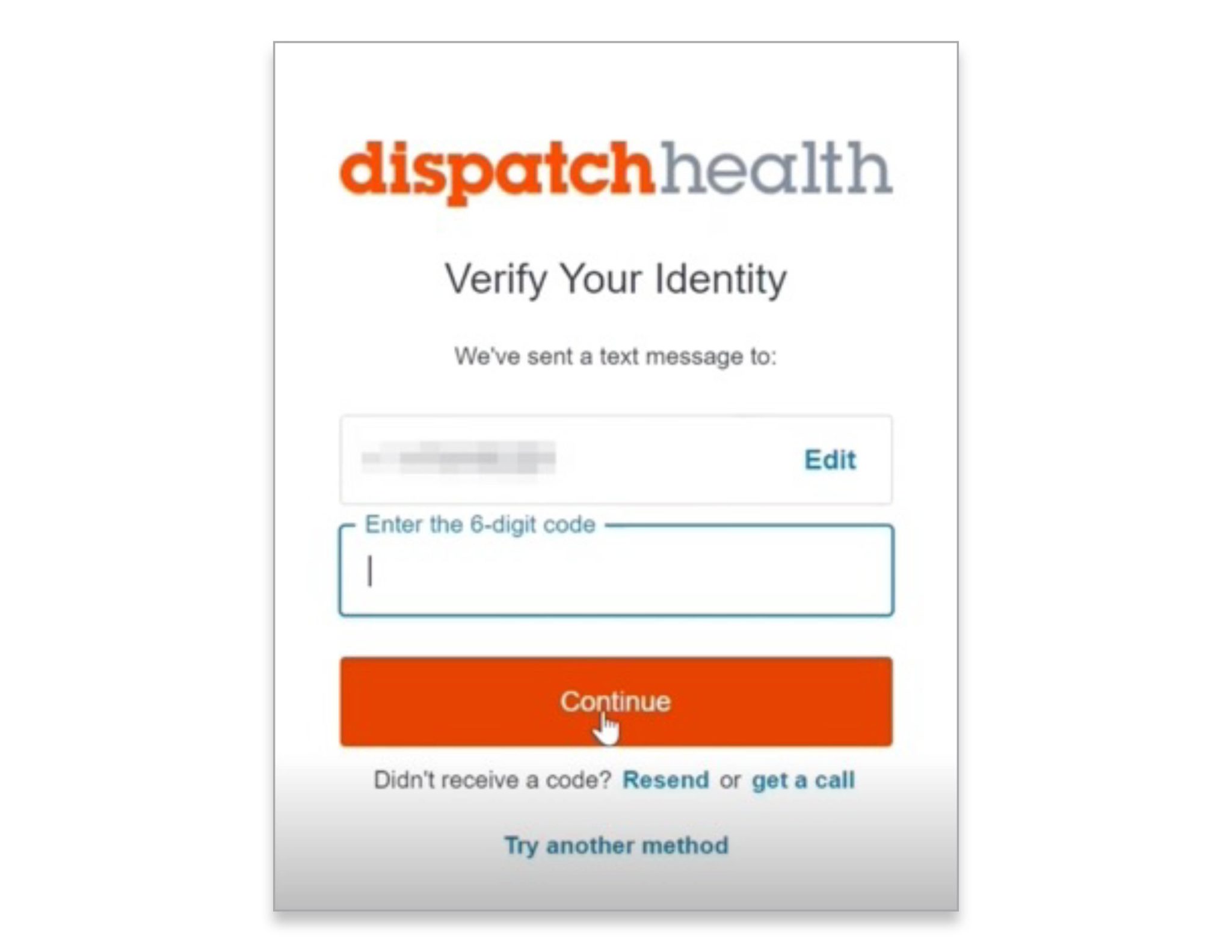
3. Verify your identity
When prompted to Verify Your Identify, enter your phone number. You will receive a text message with a 6-digit code that you’ll then enter and hit ‘Continue’.
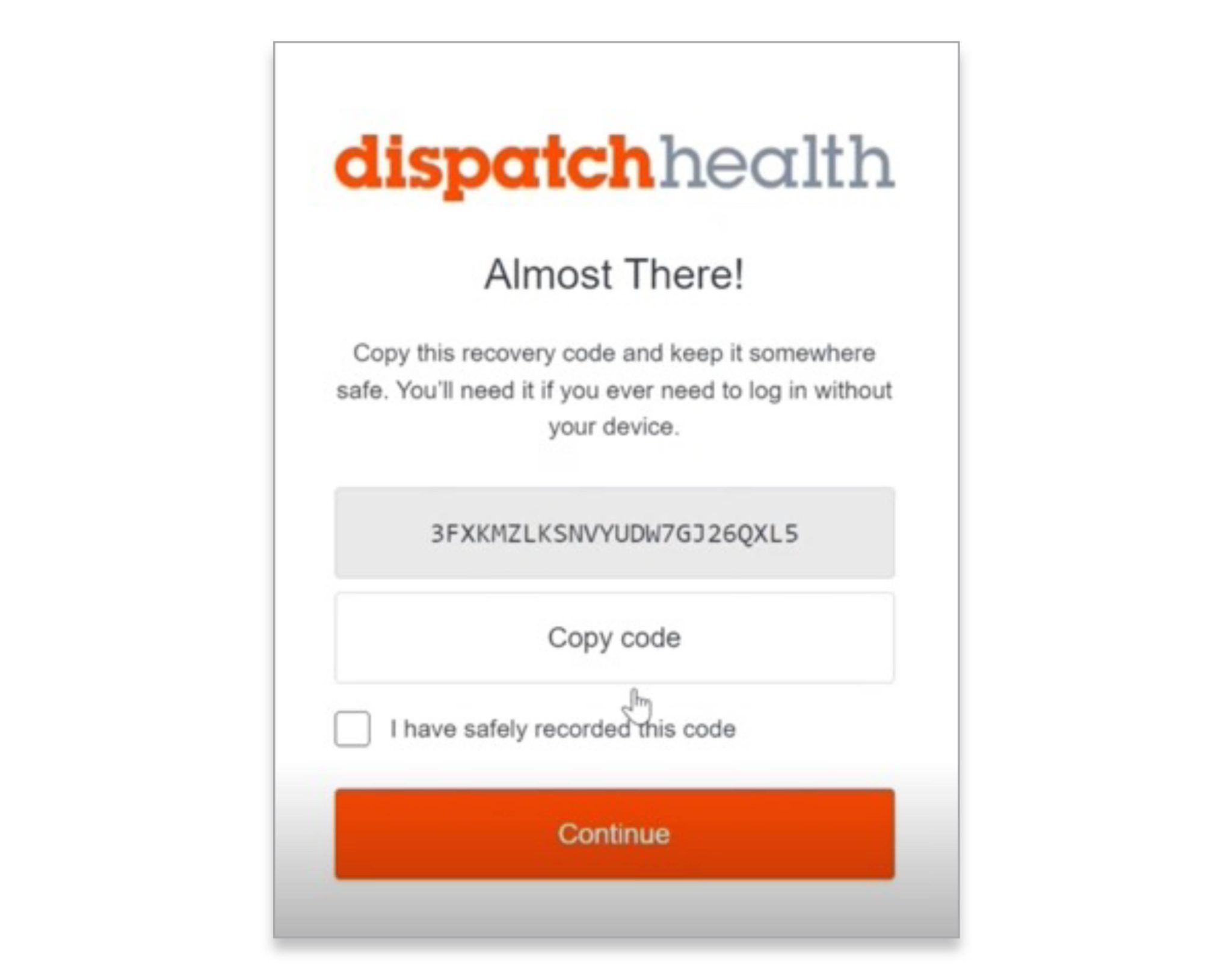
4. Save your recovery code
Almost There! Now simply copy the recovery code and save it somewhere you can access it if you ever have to log in without your device. We suggest emailing the code to yourself. Click Continue once you’ve saved the code.
You’re In!
You’ve now successfully activated your account. Remember to save DispatchExpress to your favorites: Express.DispatchHealth.com
Download the DispatchExpress account activation guide